WRCS
Overview
WRCS is an alternative bootstrapper for Roblox.
WRCS launches Roblox for you and adds a settings app where you can turn on extra features, apply mods, tweak engine settings and customize how everything looks — all in one place.
Download
Run WRCS.exe after downloading. Windows SmartScreen may show a warning for new apps — click “More info” and then “Run anyway”.
Features
Integrations
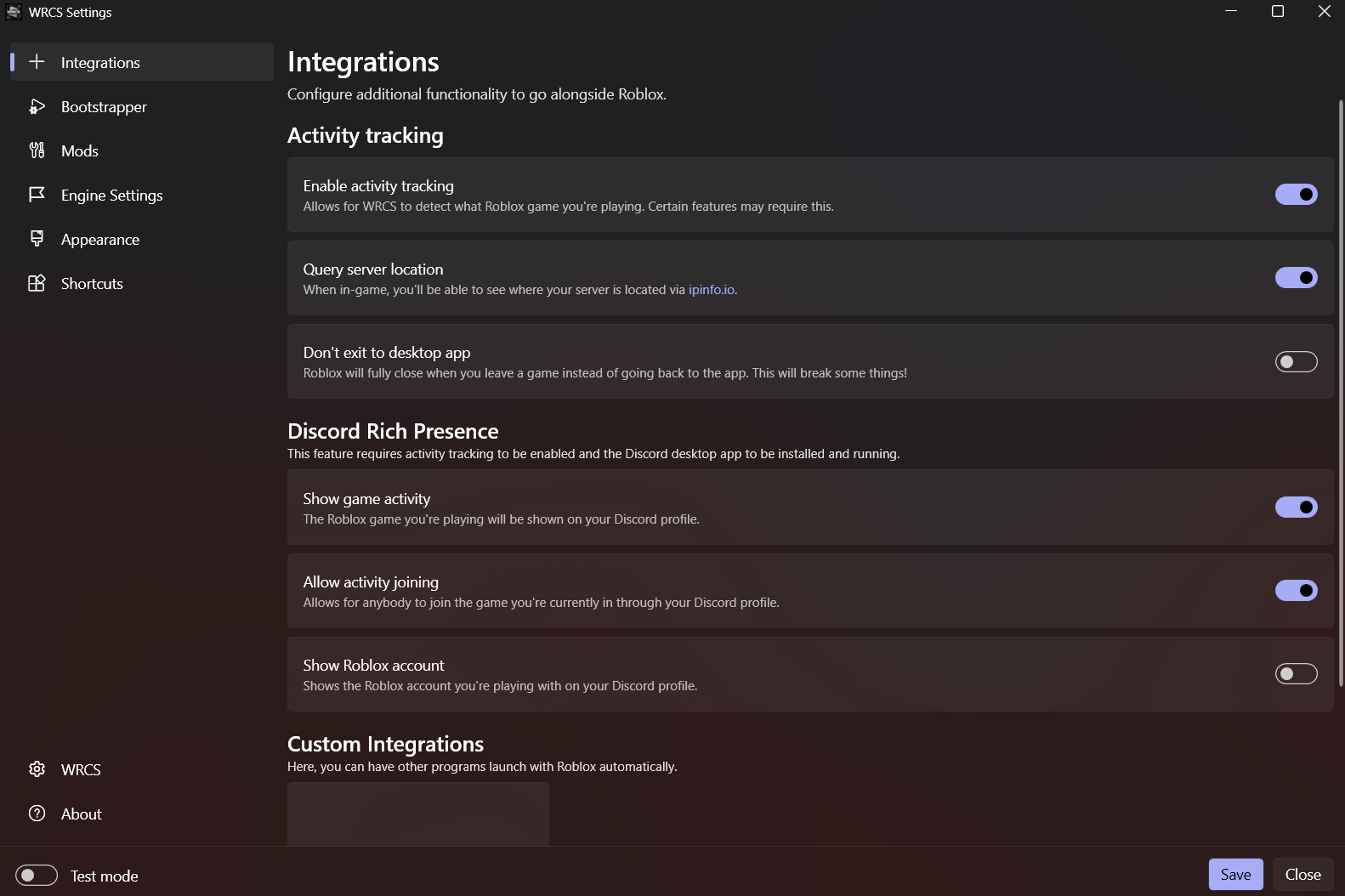
Activity tracking shows which game you're playing and where the server is located. Discord Rich Presence displays your game on your profile and lets friends join you. You can also launch your own programs alongside Roblox.
Bootstrapper
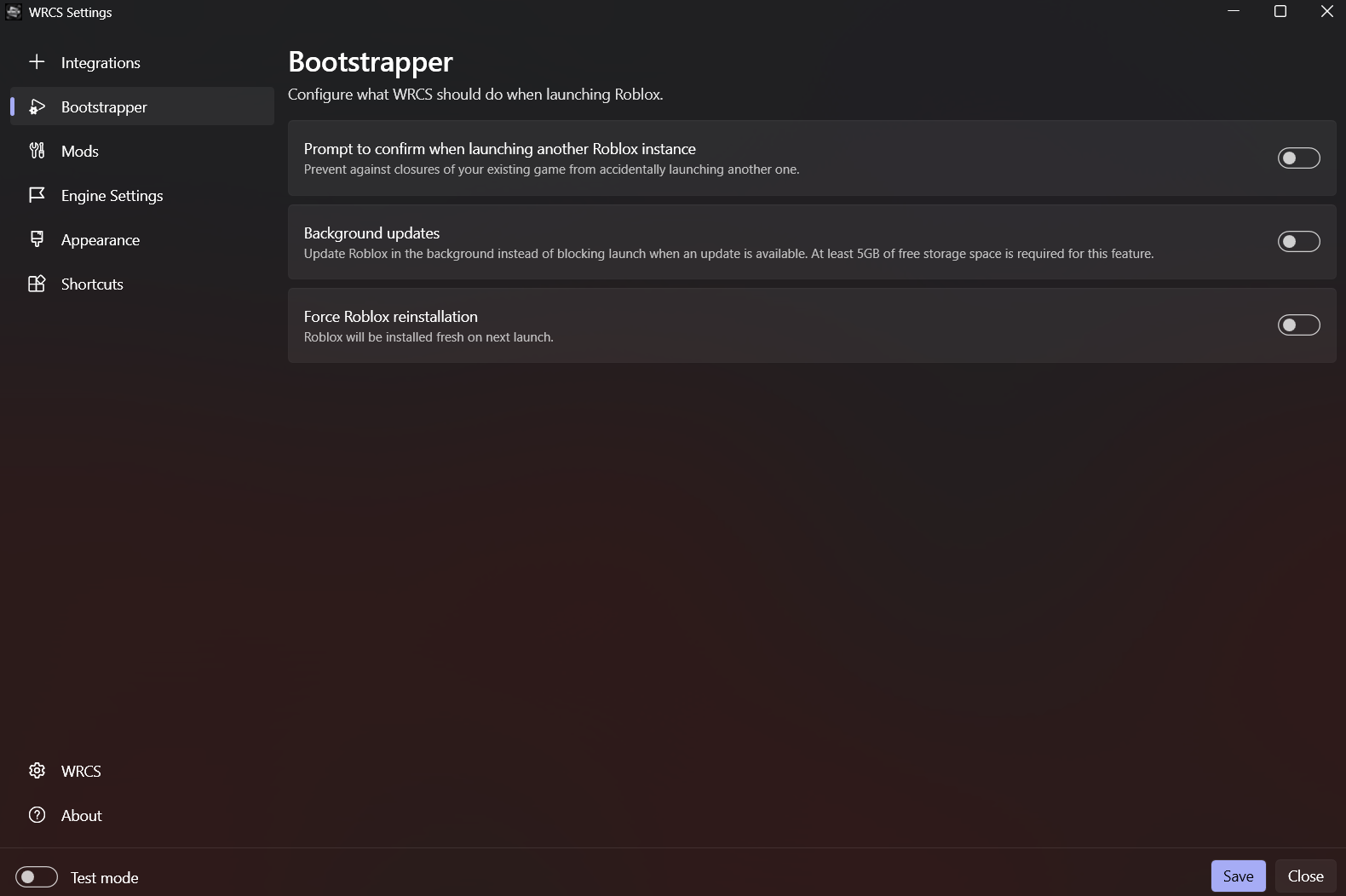
Control what happens when Roblox launches: confirm before opening a second instance, update Roblox in the background, or force a fresh reinstall.
Mods
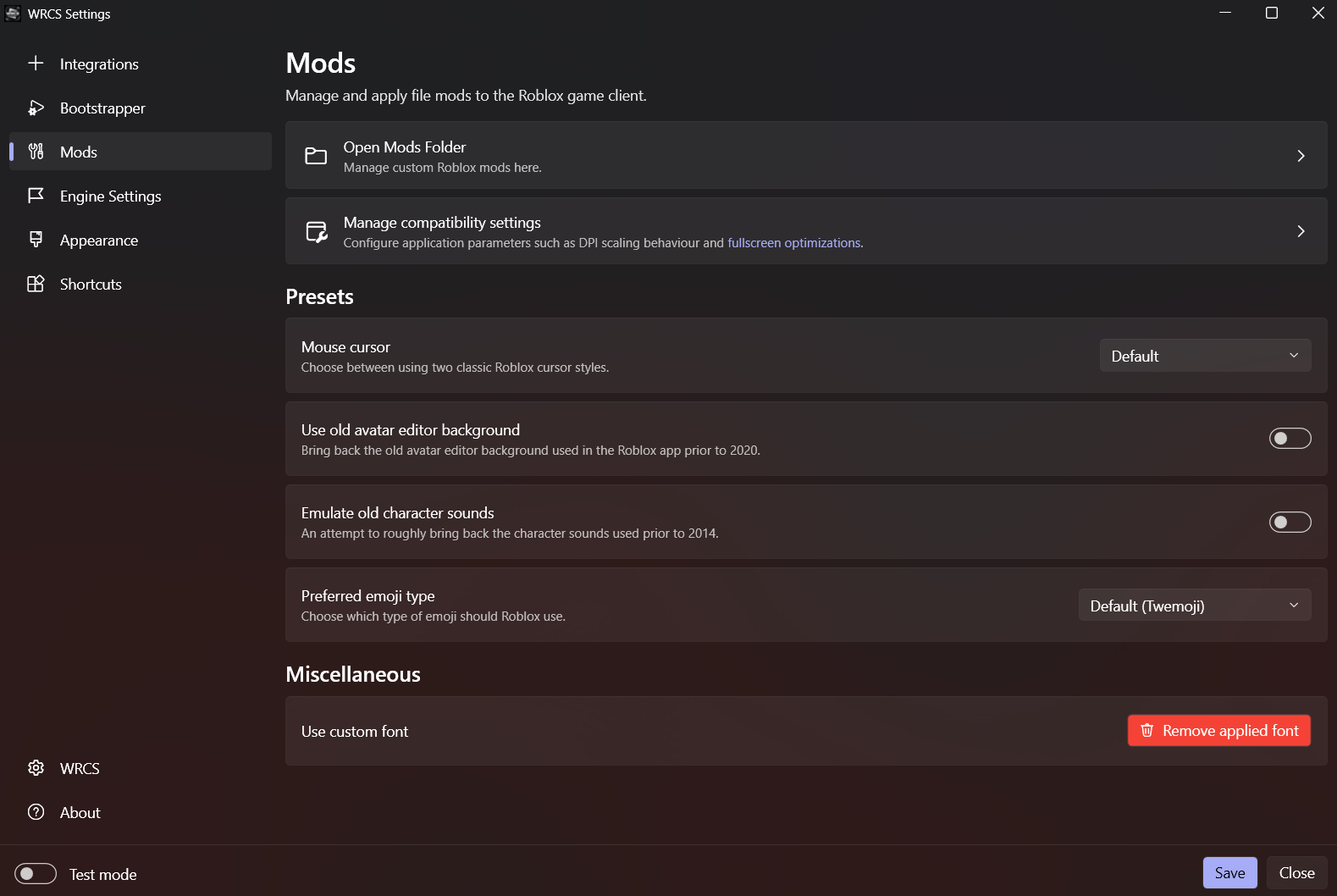
Apply file mods to the Roblox client — classic cursors, the old avatar editor background, old character sounds, your preferred emoji style and custom fonts.
Engine Settings
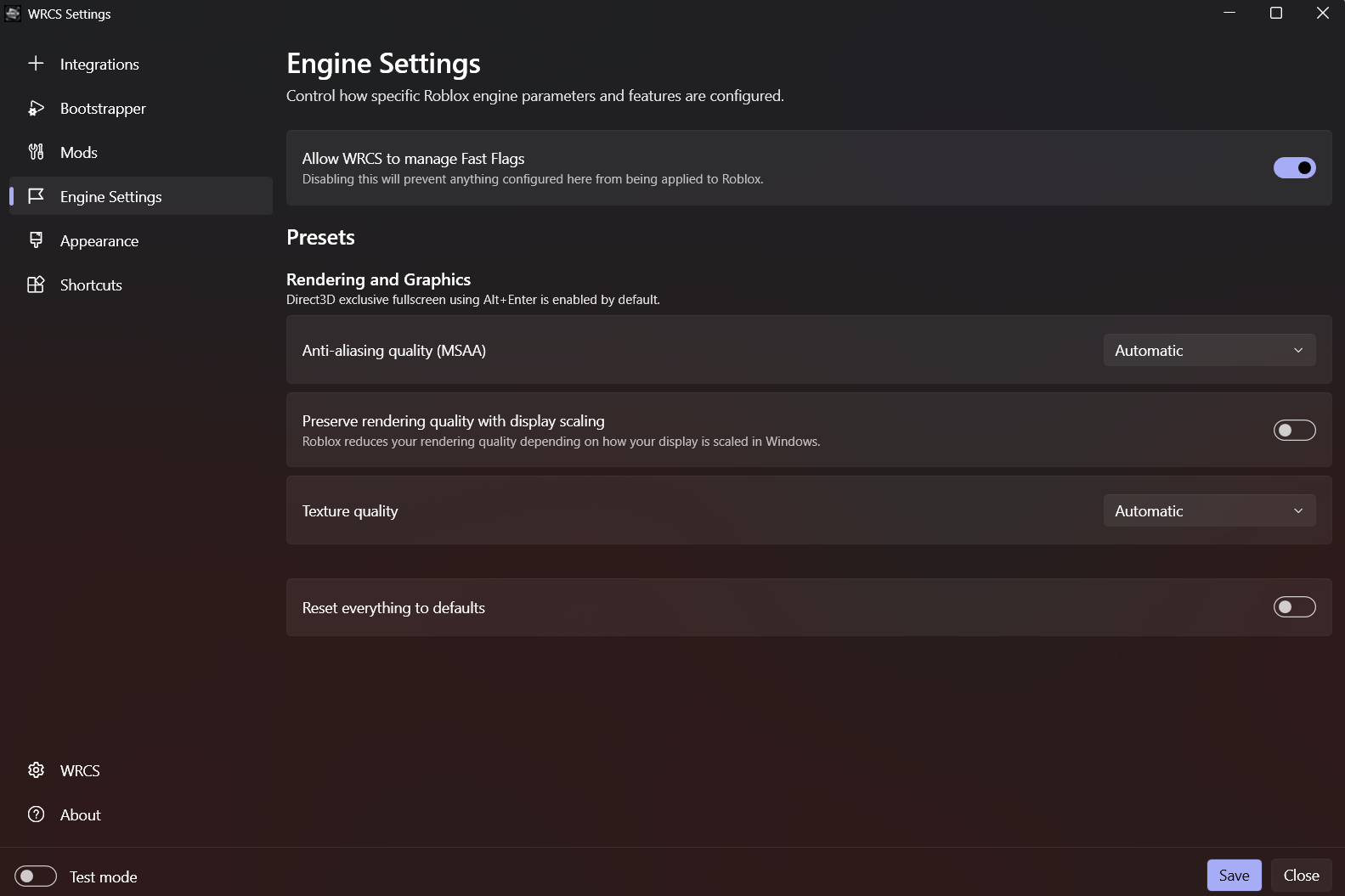
Let WRCS manage Fast Flags and pick presets for anti-aliasing, texture quality and rendering quality with display scaling.
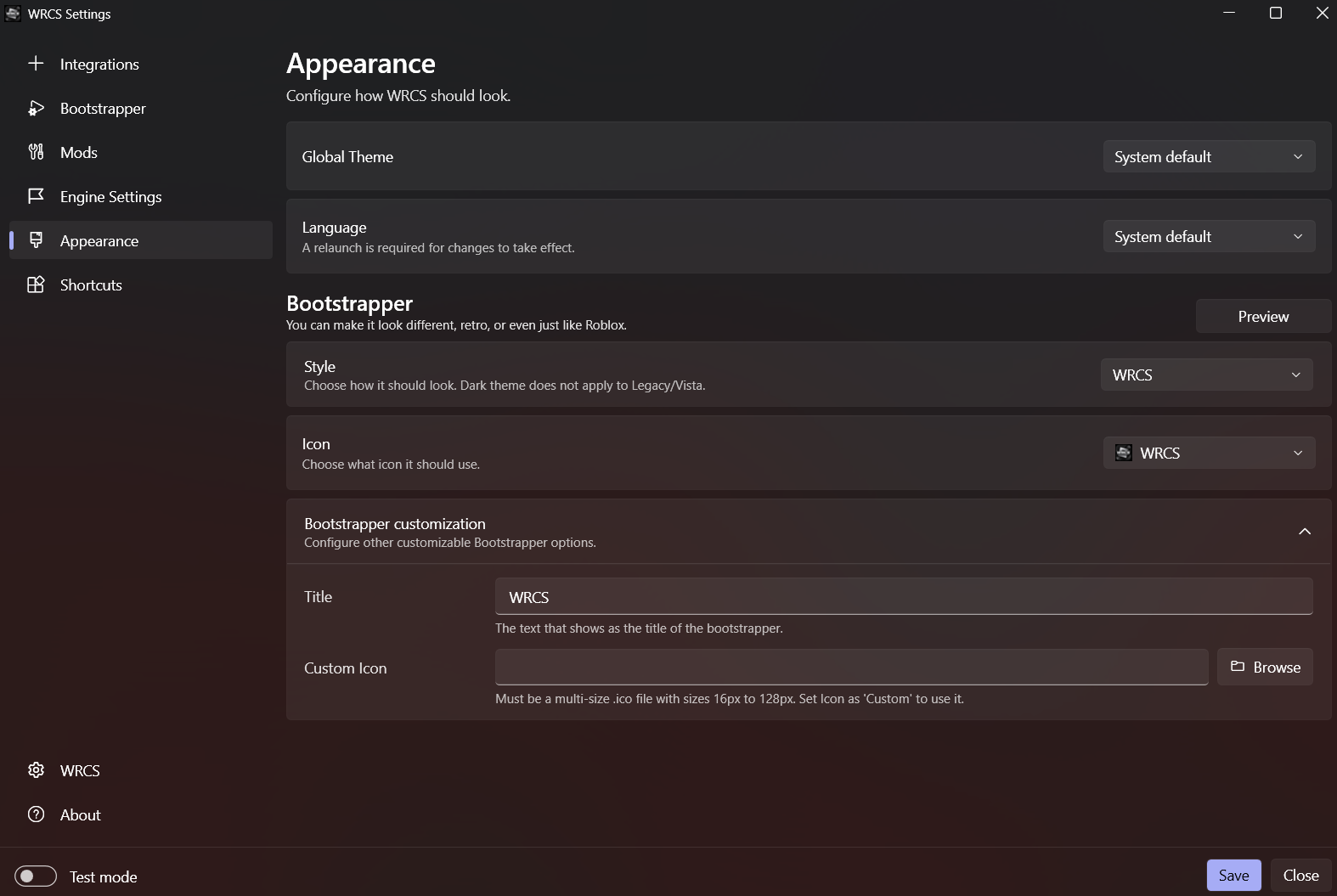
Appearance
Choose a theme and language, and restyle the launcher with different styles, icons and a custom title.
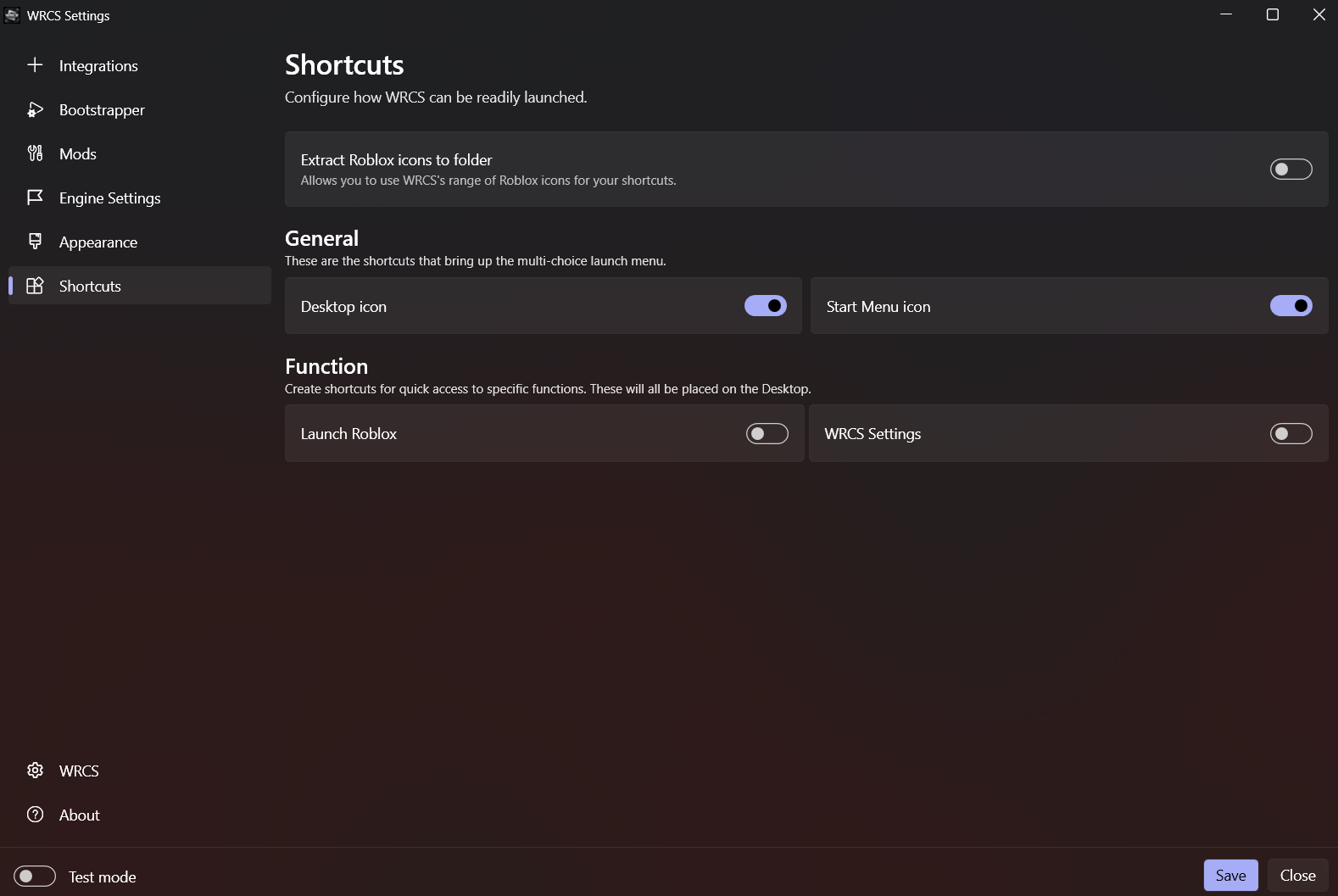
Shortcuts
Create desktop and Start Menu shortcuts, quick shortcuts for launching Roblox or opening WRCS settings, and extract Roblox icons.
Screenshots